Storytelling for data science bloggers
Tips for crafting your EDS 240 final project
FPM #4
Blogging . . . in a data science program??
It’s actually quite popular!
And I cannot overstate just how much my learning journey benefits from reading personal data science blogs. Just a few reasons:
- oftentimes shorter and / or more approachable than book chapters or documentation
- a versatile medium that can incorporate storytelling, humor, and non-traditional media (e.g. gifs, memes, videos, etc.) – things that make the author relatable!
- posts on niche topics or approaches that I haven’t always found clear documentation for elsewhere
- networking / getting to know active participants in the data science world
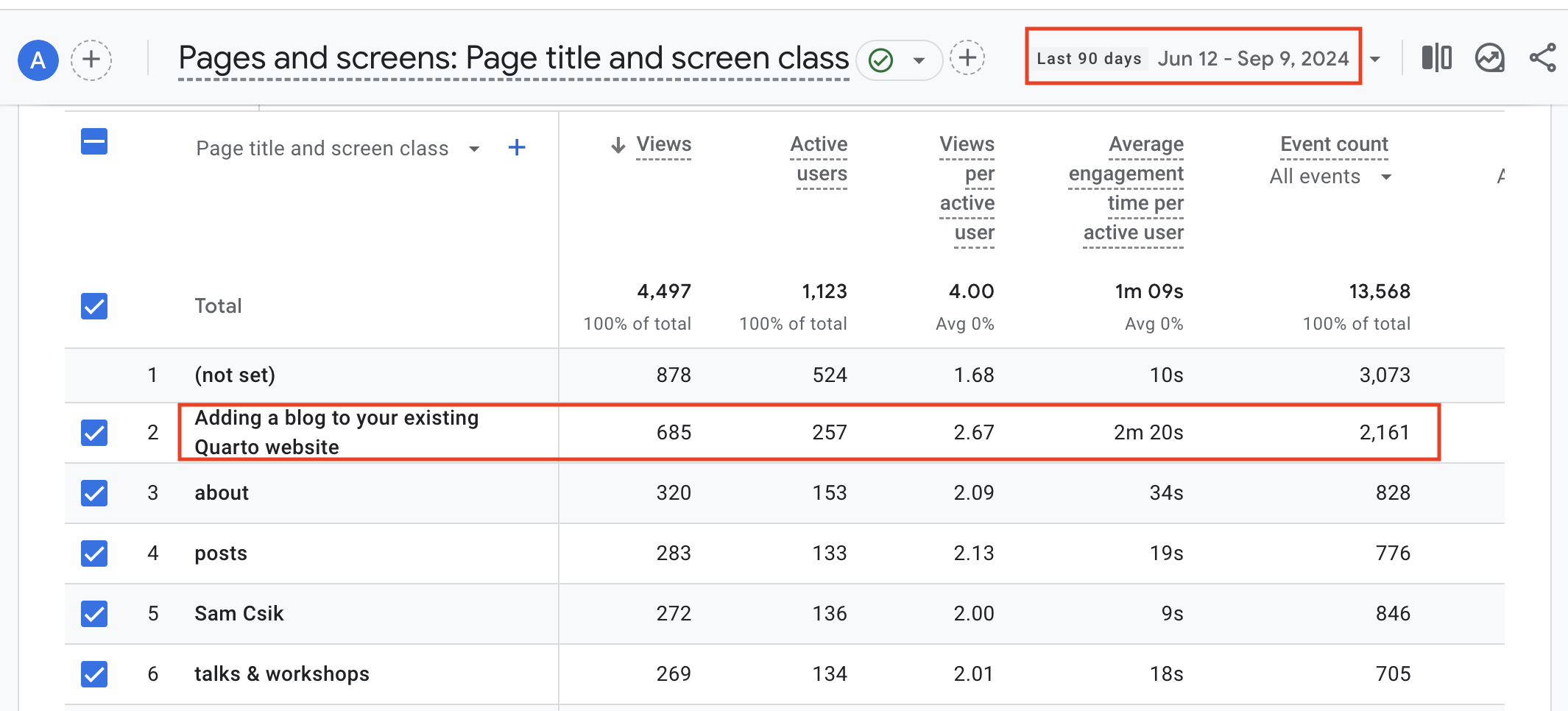
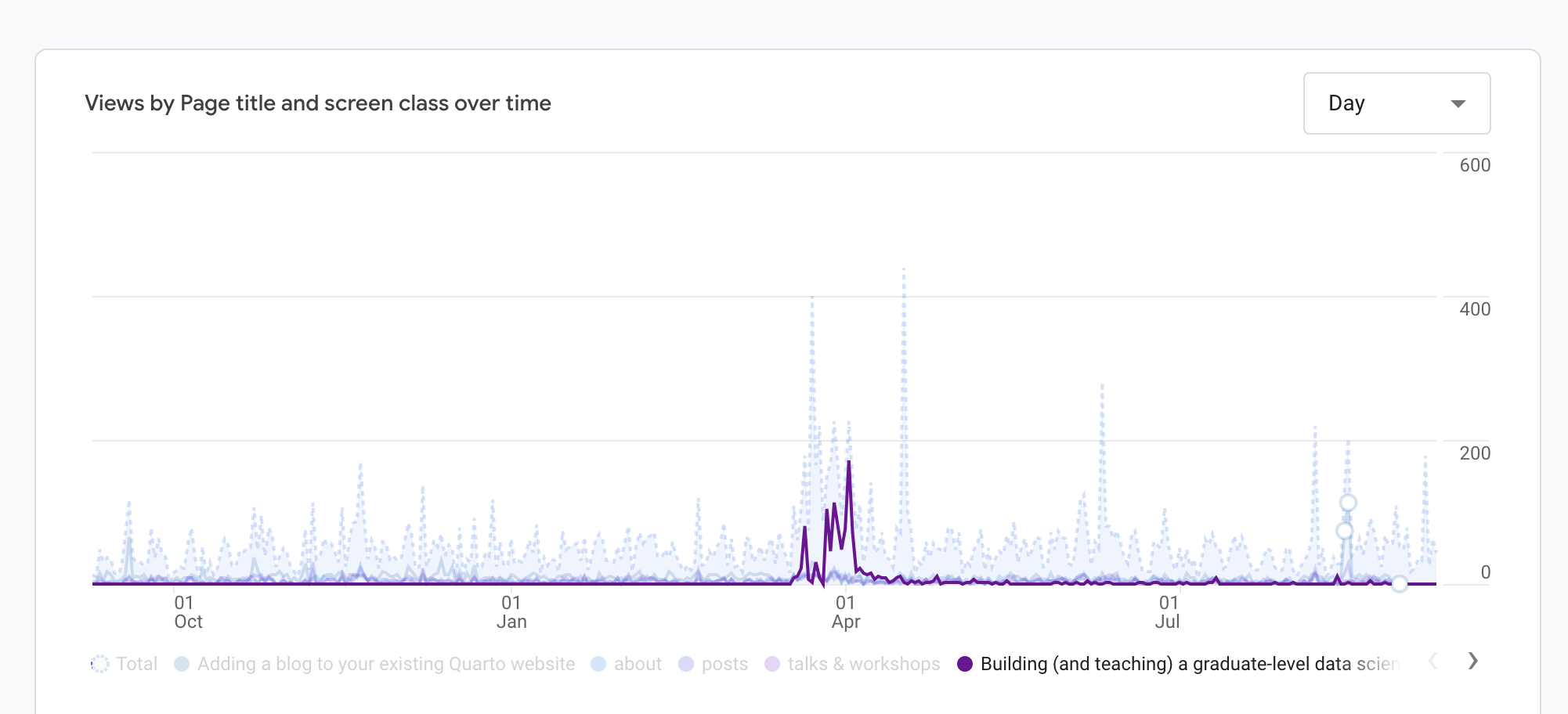
Your blog can draw viewers to your website
![]()
Writing (in any form) can feel intimidating . . .
. . . but with practice throughout MEDS, I hope you’ll find blogging to be:
- a creative and flexible outlet
- a motivator for learning new skills
- a way to reflect on your work / find closure after a large effort
- a fun way to showcase / market your technical skills (both programming and writing)
Data science blogging can (and should) be more than just the code you’ve written or the tool you’ve learned – this is what we’ll (primarily) focus on here.
Okay, where do we actually start?
There’s no single formula, but here are some steps you might consider taking to help you craft not only informative, but also engaging blog posts:
Write it / get feedback / revise / publish
Find your topic
For EDS 240, that topic is chosen for you (though beyond class, you’ll have full creative freedom – consider leaning on your personal brand to help guide your blog post topics).
Reference the final project instructions to remind youself of the goals for this blog post.
Craft your story
Storytelling is a powerful mechanism for effective (data) science communication
Communicating via stories has been found to:
- Increase likelihood of people remembering information
- Reduce disbelief and counter-arguing
- Make people feel the experience as if it was their own
- Be much more convincing than just data or code
- Increase engagement with a more general audience
Image source: Shutterstock
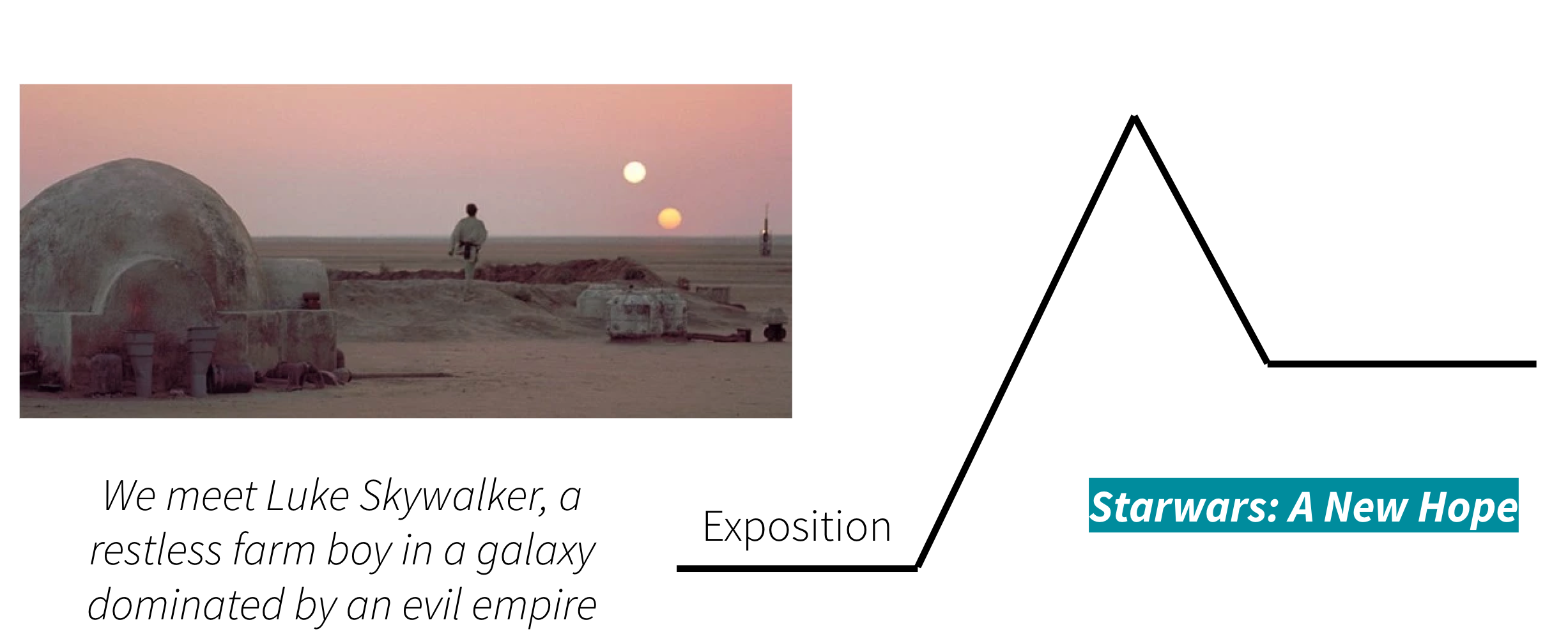
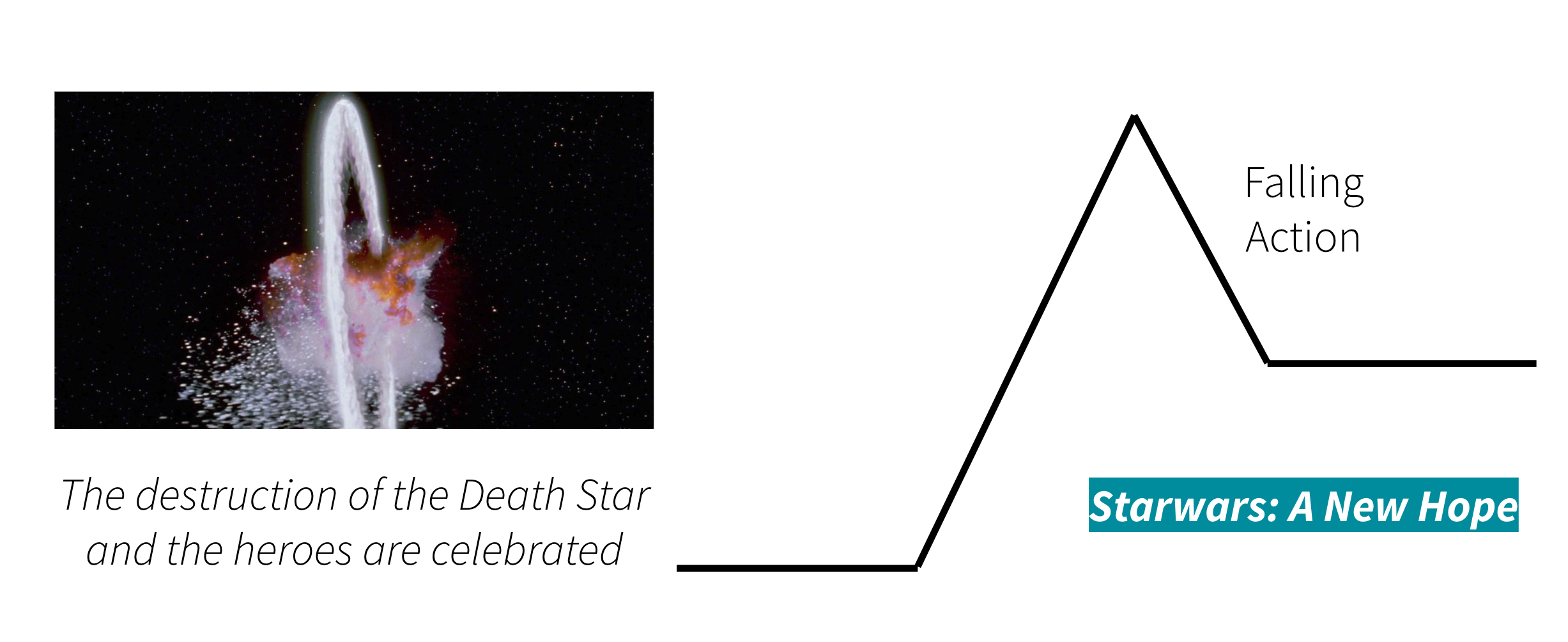
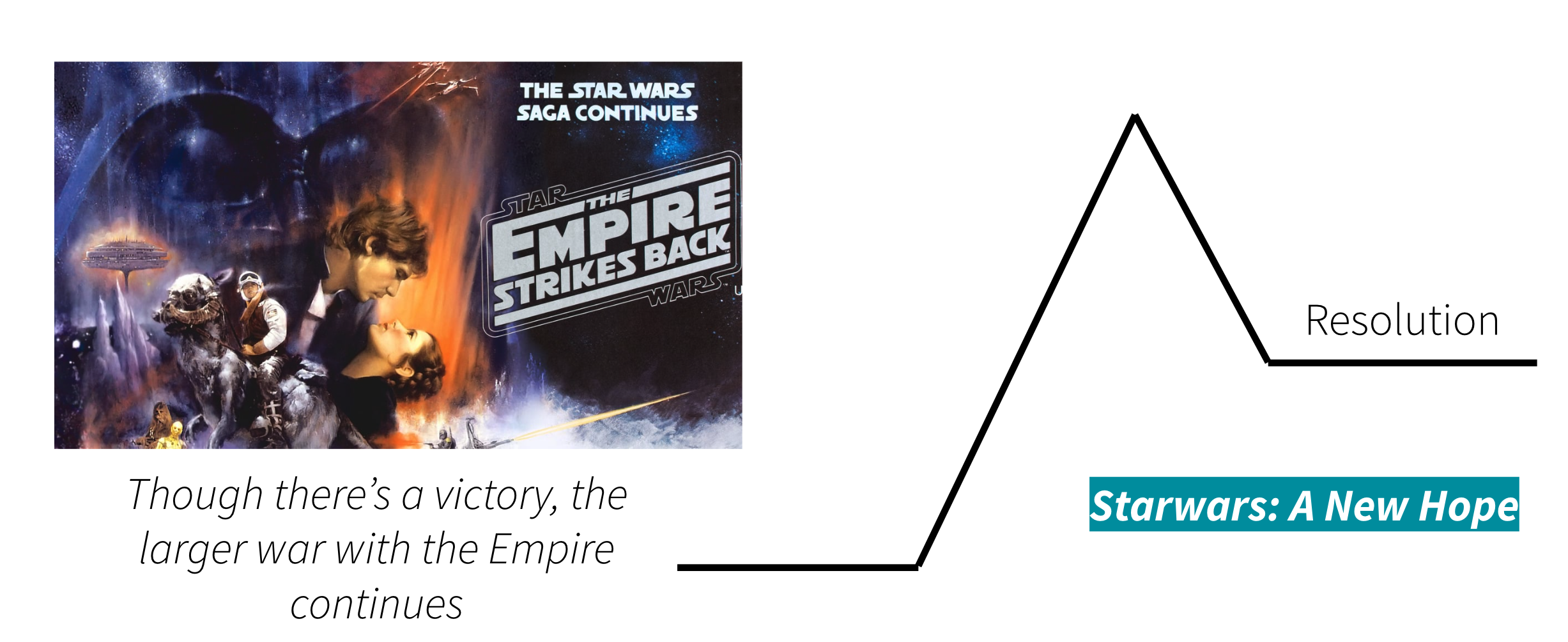
EXAMPLE: Starwars (A New Hope)
![]()
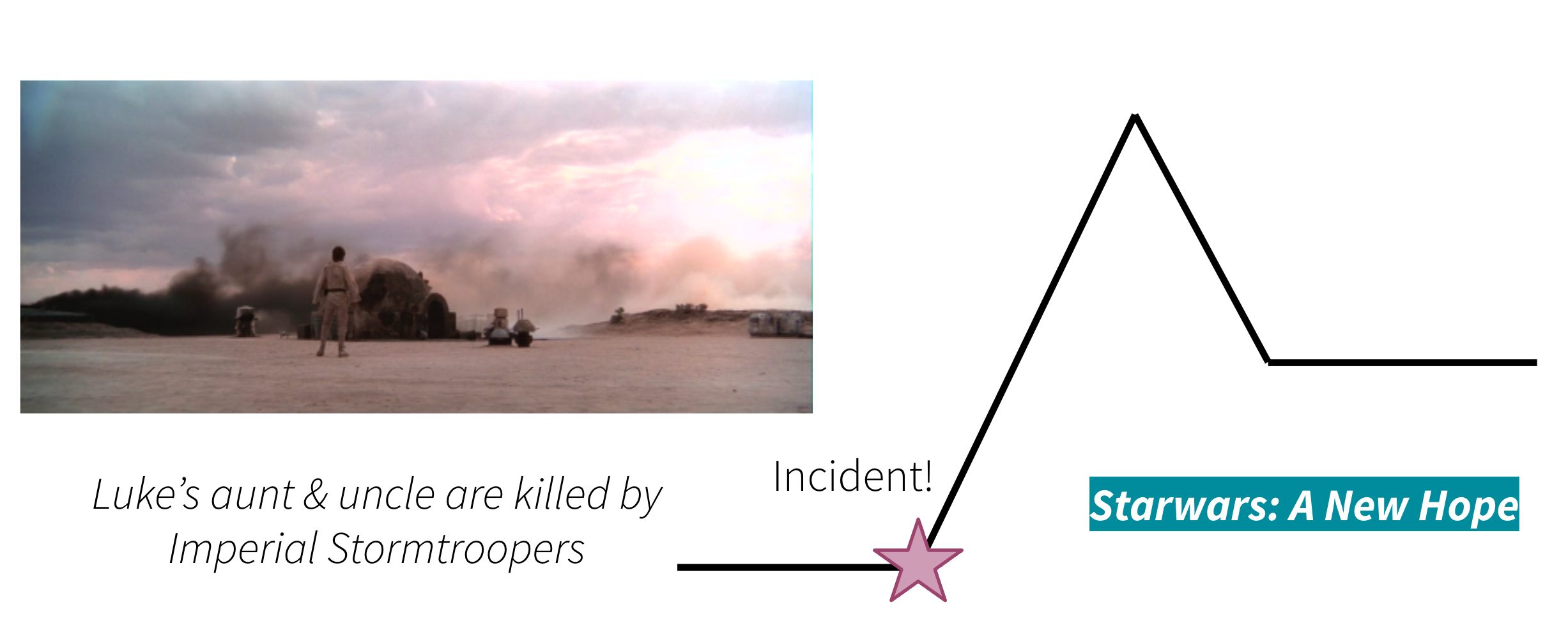
EXAMPLE: Starwars (A New Hope)
![]()
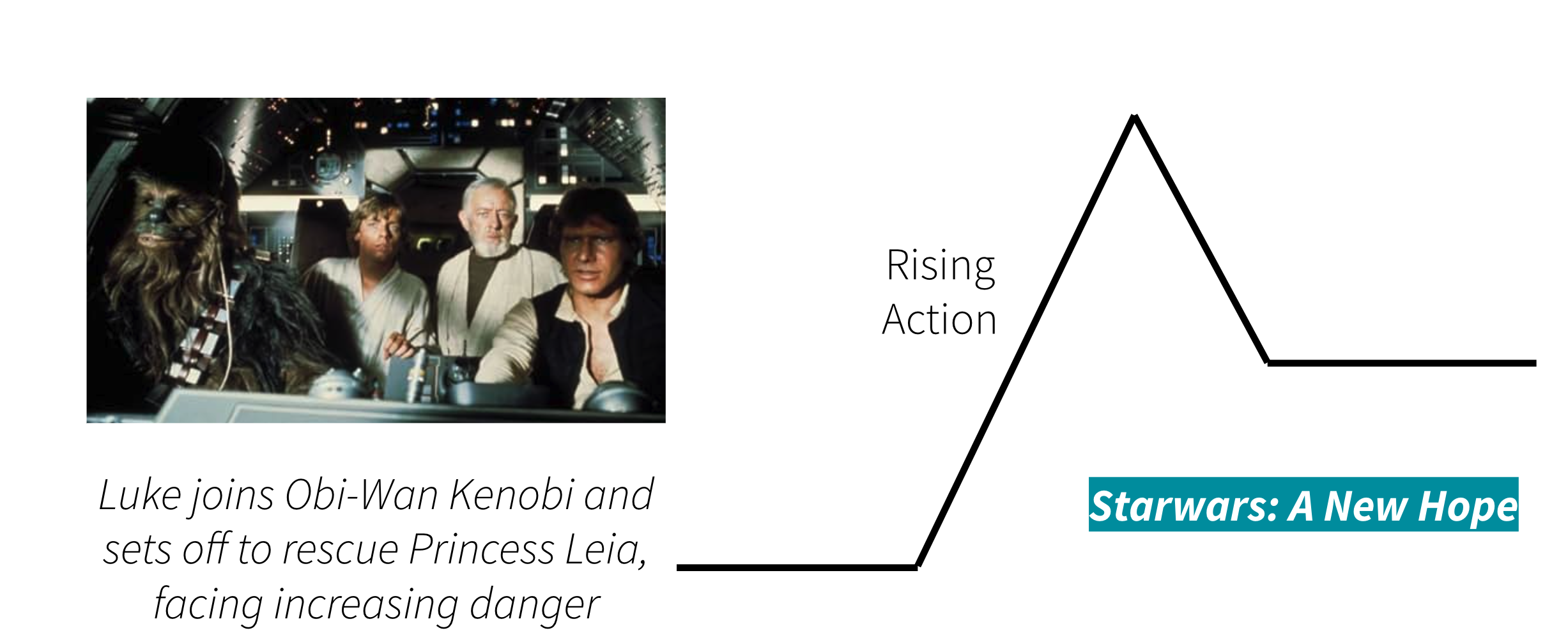
EXAMPLE: Starwars (A New Hope)
![]()
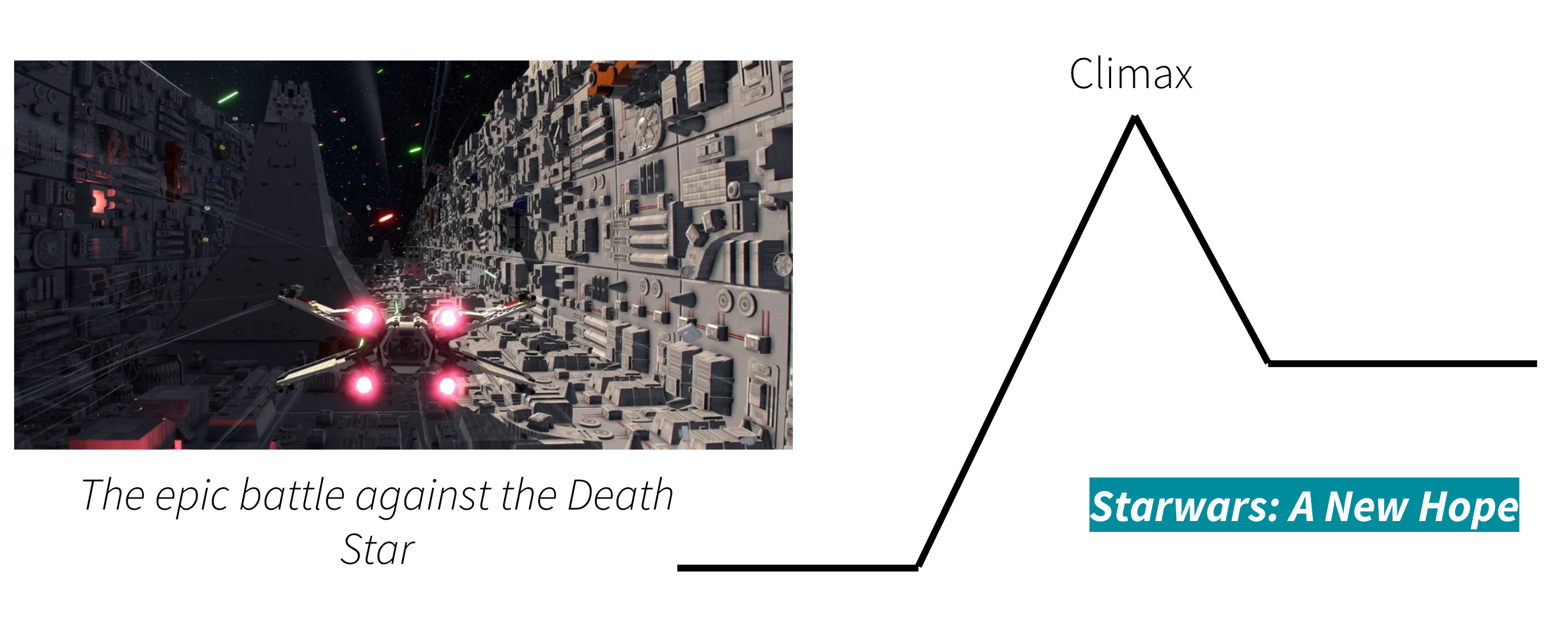
EXAMPLE: Starwars (A New Hope)
![]()
EXAMPLE: Starwars (A New Hope)
![]()
EXAMPLE: Starwars (A New Hope)
![]()
Storytelling / scene-setting in an intro (and conclusion)
A common approach:
- storytelling / scene-setting in the intro (and maybe conclusion)
- technical instruction / discussion / tutorial-style writing in the body
Of course, there’s no one right way to blog (or storytell for that matter) – don’t let this constrain you
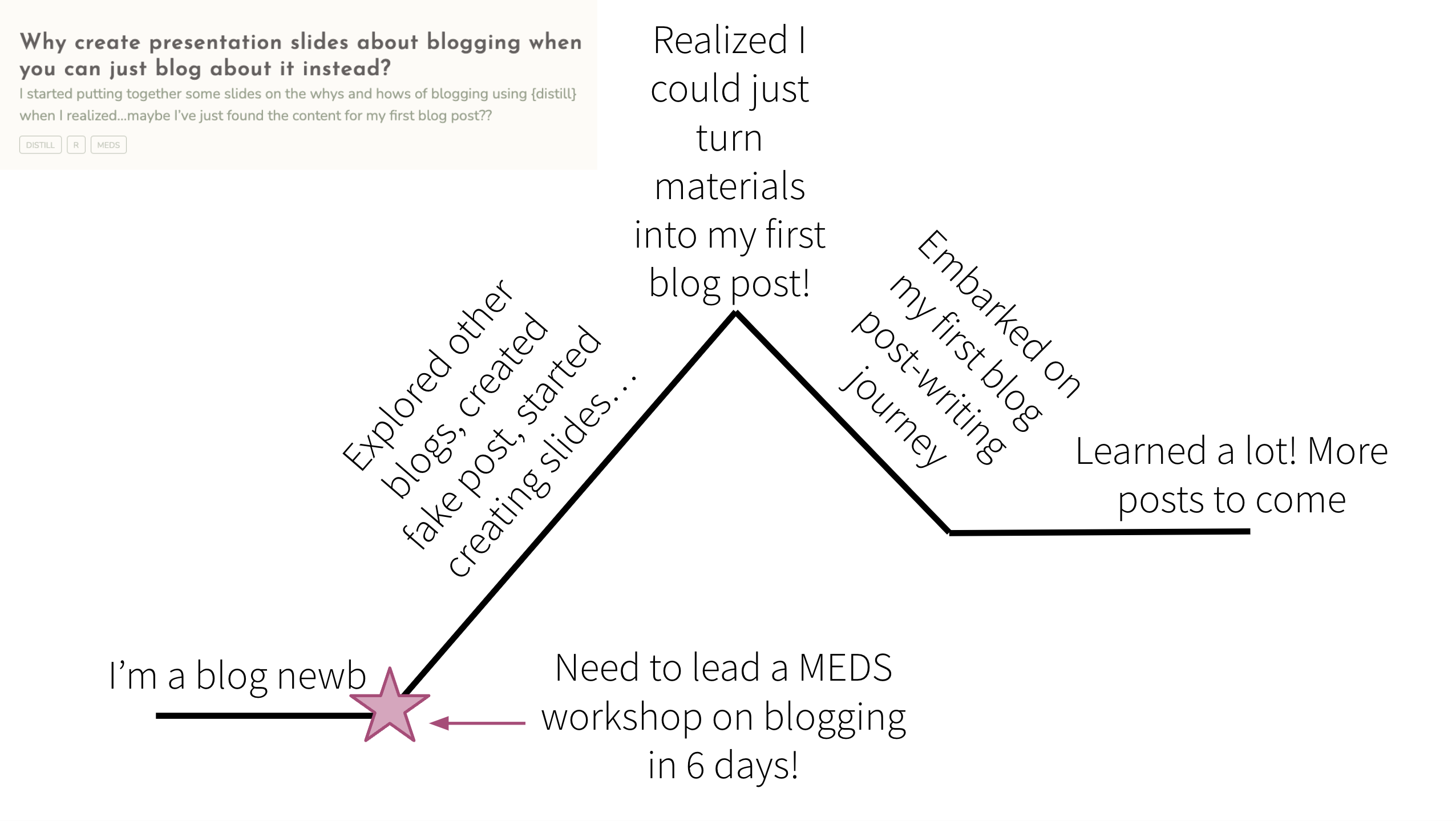
EXAMPLE: My first ever blog post
![]()
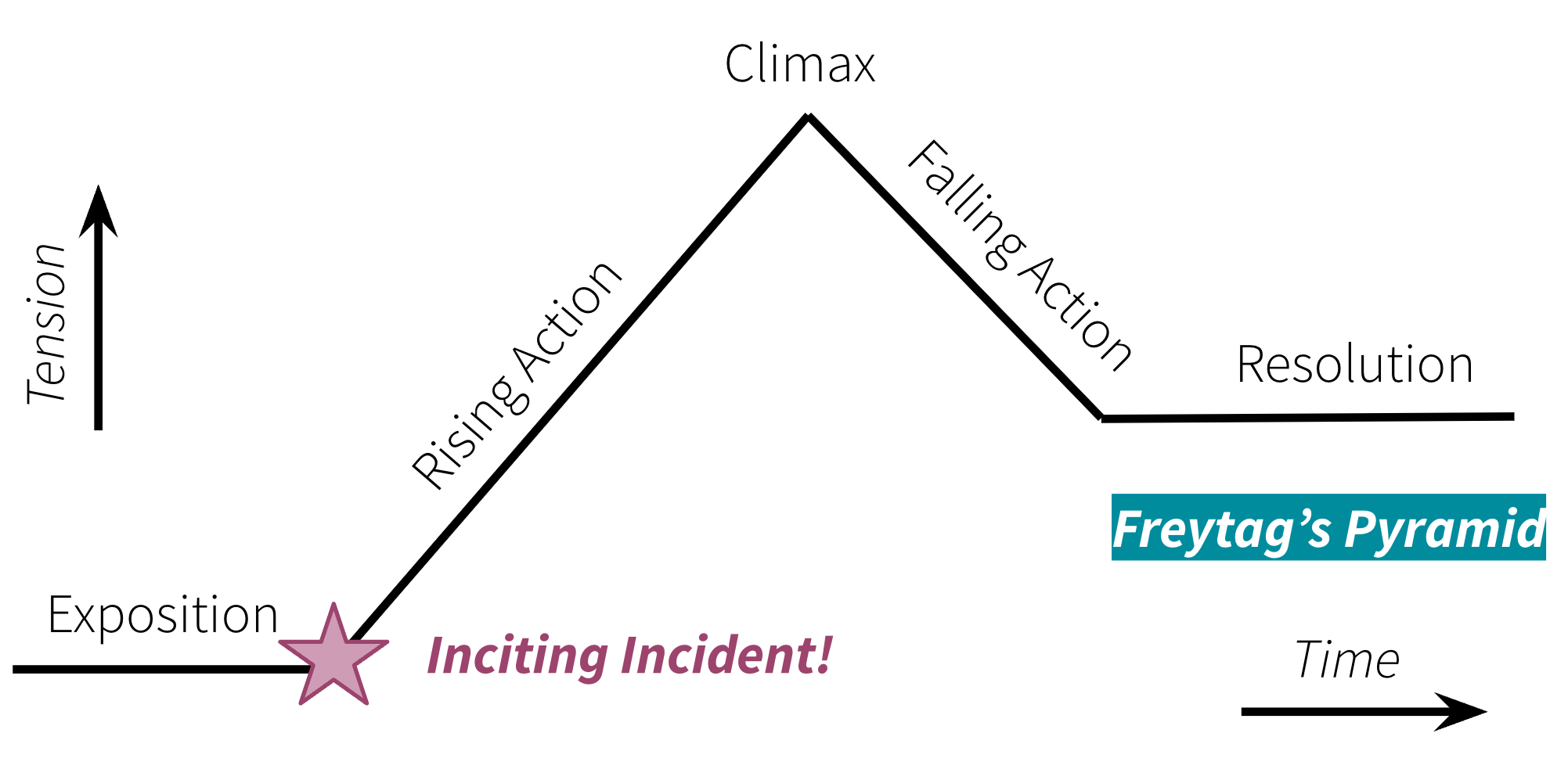
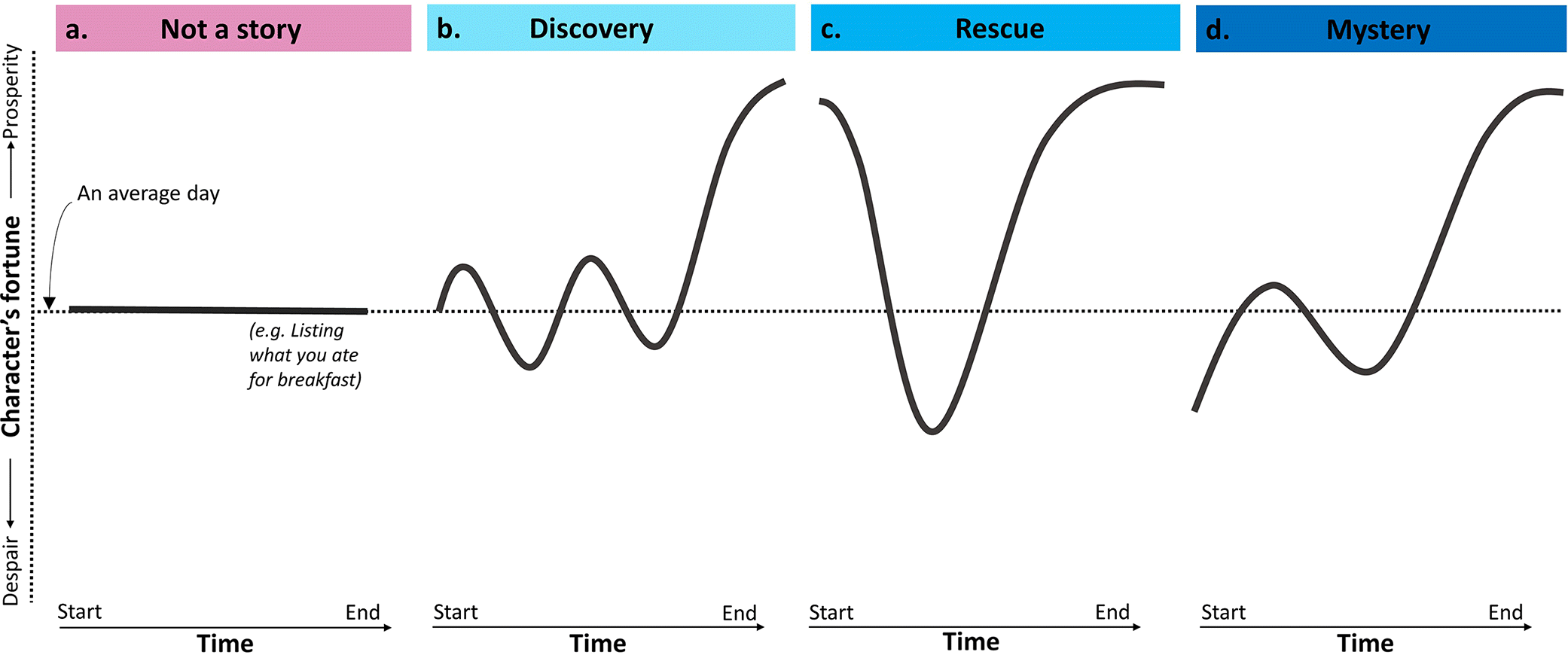
No one way to tell a story – there are many narrative structures!
![]()
ANOTHER EXAMPLE: Maya Gans
From My First Live Coding Interview, by Maya Gans:
Intro: “Yesterday I interviewed for a position maintaining and creating ShinyApps. To call that a JOB is crazy to me. I love developing reactive web applications, the fact that you can get paid to do that is still mind blowing. I’m realizing that having fun at work is actually a possibility!
That said, the data scientist position usually includes a live coding portion. I went into it trying to treat my first one as practice, but every second I didn’t spend typing spanned an eternity. It was horrifying… but thinking about how to solve these questions was also kind of really fun?
I’m fairly certain I won’t get the job. But I’m also certain it was an experience to learn and grow. The interview was so intense that it was pretty easy to recall the questions almost verbatim. I wanted to explore the questions again on my own with no pressure. And I’d love input on how to answer these more elegantly!“
Conclusion: “I left the interview feeling exhausted and deflated. I found myself asking: if I can’t answer these questions, what am I doing trying to become a data scientist? But now that I’ve spent a day to reflect, the interview was an incredible learning experience. It pinpointed concrete areas where I can grow and I honestly had fun thinking about these problems. I’m not sure I’ll ever perform smoothly under pressure, but at the very least I now have a function to separate duplicates from unique values!”
Storytell by describing your motivation
A few examples:
“In previous years, when it gets to the end of the year, I’ve written blog posts about reflecting on a year of #TidyTuesday data visualisations, or making your own #RStats Wrapped in the style of SpotifyWrapped. This year, I wanted to reflect on some of the changes I’ve made to the way I write R code that have helped to streamline my workflows.” -Nicola Rennie, in Four ways to streamline your R workflows
“Around 11pm last night I saw this tweet [SCREENSHOT OF TWEET]. Tom’s instinct makes perfect sense. My first thought was “CHICKEN WINGS.” So I spent a couple sleepless hours with this weird (and obviously fake) data set about bird attacks in 1974, because it felt like a good October distraction and an opportunity to get some data wrangling rust off.” -Allison Horst, in 1974…bird attacks?
“Hello and welcome back to my multi-part series about what I like to call slidecrafting; The art of putting together slides that are functional and aesthetically pleasing. I will be using quarto presentations. This is the fifth post, you can find all other posts in the slidecraft 101 project.” -Emil Hvitfeldt, in Slidecraft 101: Layout
Embellishments can improve engagement
Once your story framework is scaffolded, adding in one (or more) of the following embellishment types can help you engage your readers:
- Humor
- Hooks
- Metaphors
- Supporting media
Matt Dray and Adriana De Palma’s blog, rostrum.blog is one that often (always?) leverages embellishments to engage their readers. Examples from their post, Base slaps!, on the following slides.
1. Humor
To start, the title (Base slaps!) is pretty punny (spoiler, it’s about base R):
![]()
And ends with this final closing paragraph:
“But ultimately, I just wanted to do this terrible ‘base slaps’/‘slap bass’ pun, sorry. But also, I hear that zoomers say ‘slaps’ to mean ‘cool’. I think. Oh dear, this was a flimsy premise for a talk. Cringe-driven development?”
- maybe you like reading it, maybe you like writing with it, maybe you like both, maybe you like neither
- should be an authentic extension of you (e.g. if you like sarcasm, go for it!)
- keep it professional
2. Hooks
Good hooks inspire wonder, curiosity, humor, or other connecting emotions.
Classic hooks:
- what if I told you…
- think about the last time you…
- how many of you…
- imagine that…
- take a look at…
- did you know…
Matt opens his abstract for this talk (under the section titled, Premise) with the hook:
“Did you hear? Base R is dead! Or is it?”
Write it / get feedback / revise / publish
Continue drafting & polishing your post
Getting feedback:
Trade with a friend (even better if you can both give feedback to one another)
See us at student hours!
Opportunity to receive, incorporate and address feedback through FPM #4 revision & resubmission
A few final tips to consider, as appropriate
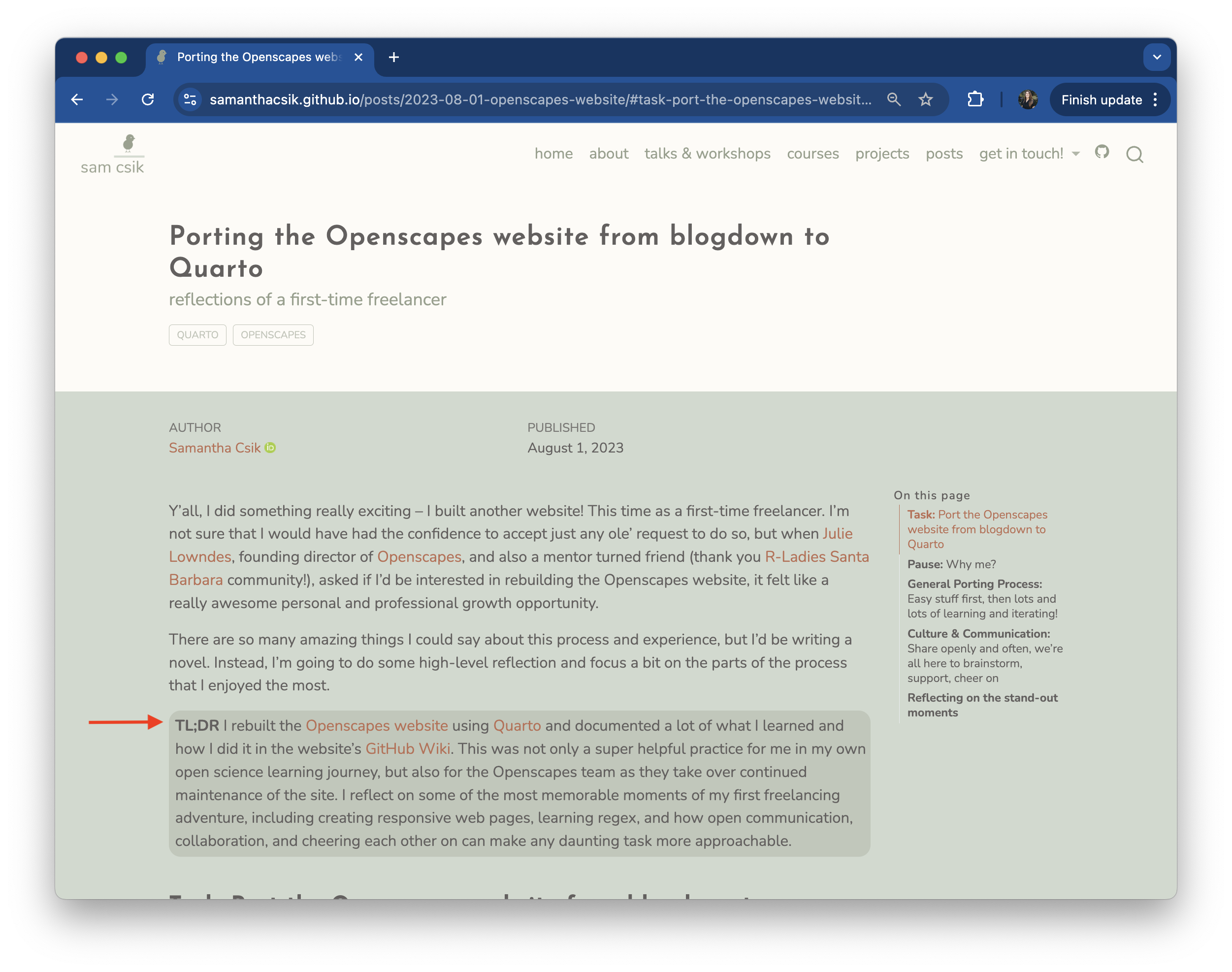
Include a TL;DR, especially for long posts
TL;DR - internet slang for Too Long; Didn’t Read
Should be a short and succinct summary of your main discussion points. It should not introduce new / additional information.
![]()
Set the appropriate code chunk options
Your data science blog posts will often include example code. Thoughtfully set your code chunk options so that your examples are easy to follow, but don’t bog down your post by requiring readers to scroll past loonnngggg data frames or messages / warnings (unless there’s an important and demonstrative reason to do so). Consider:
- do you need to show messages / warnings to demonstrate your point? if not, suppress them:
message: false & warning: false
- show just the code, but not the output (e.g. loading libraries):
eval: false & echo: true
- show just the output (and not code):
eval: true & echo: false
FPM #4 details where you should include your code chunk and how to set the code chunk options. Please follow the instructions for your EDS 240 blog post (but consider the above for other / future posts!).
Consider how you write / display your code
If your blog post contains code, make sure it’s easily readable and generally pleasant to look at:
- use logical variable / object names
- include clear, succinct, and nicely structured code annotations, as appropriate (check out the
{ARTofR} package)
- consider folding code so that readers can expand / collapse code as needed (set
code-fold: true in your post’s YAML, or on a chunk-by-chunk basis)
Strategically assign categories
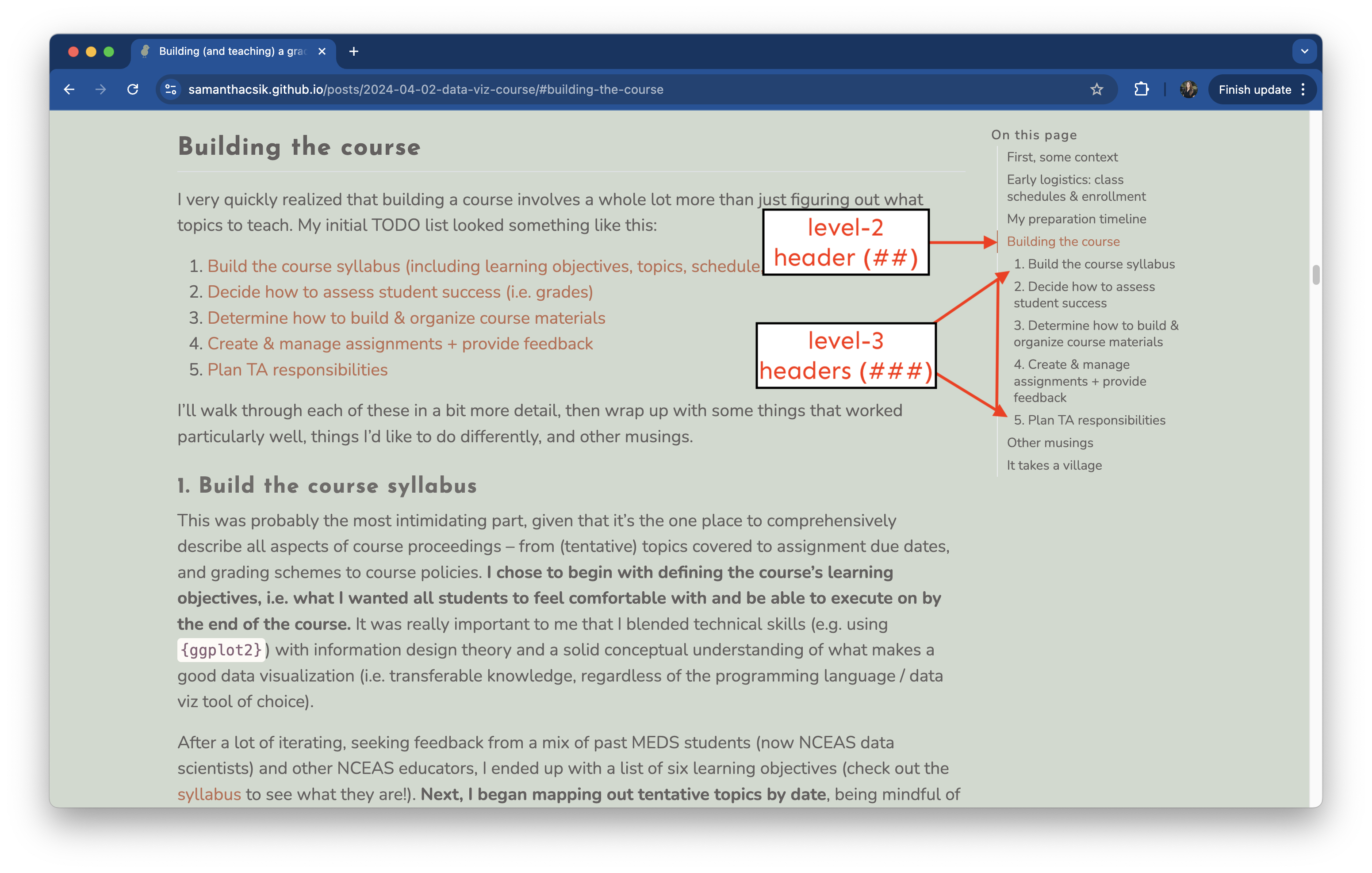
Add category tags to individual blog posts to strategically group related posts. Some ideas / examples:
- MEDS-related posts (e.g. course projects): MEDS-project, grad-school
- Short / unpolished posts: quick-thoughts, raw-reflections, code-bites, short-takes (thanks ChatGPT for these suggestions)
- Posts that use a particular language: R, Python, JavaScript
- Domain-specific categories: data-viz, machine-learning, GIS, databases, statistics, environmental-modeling